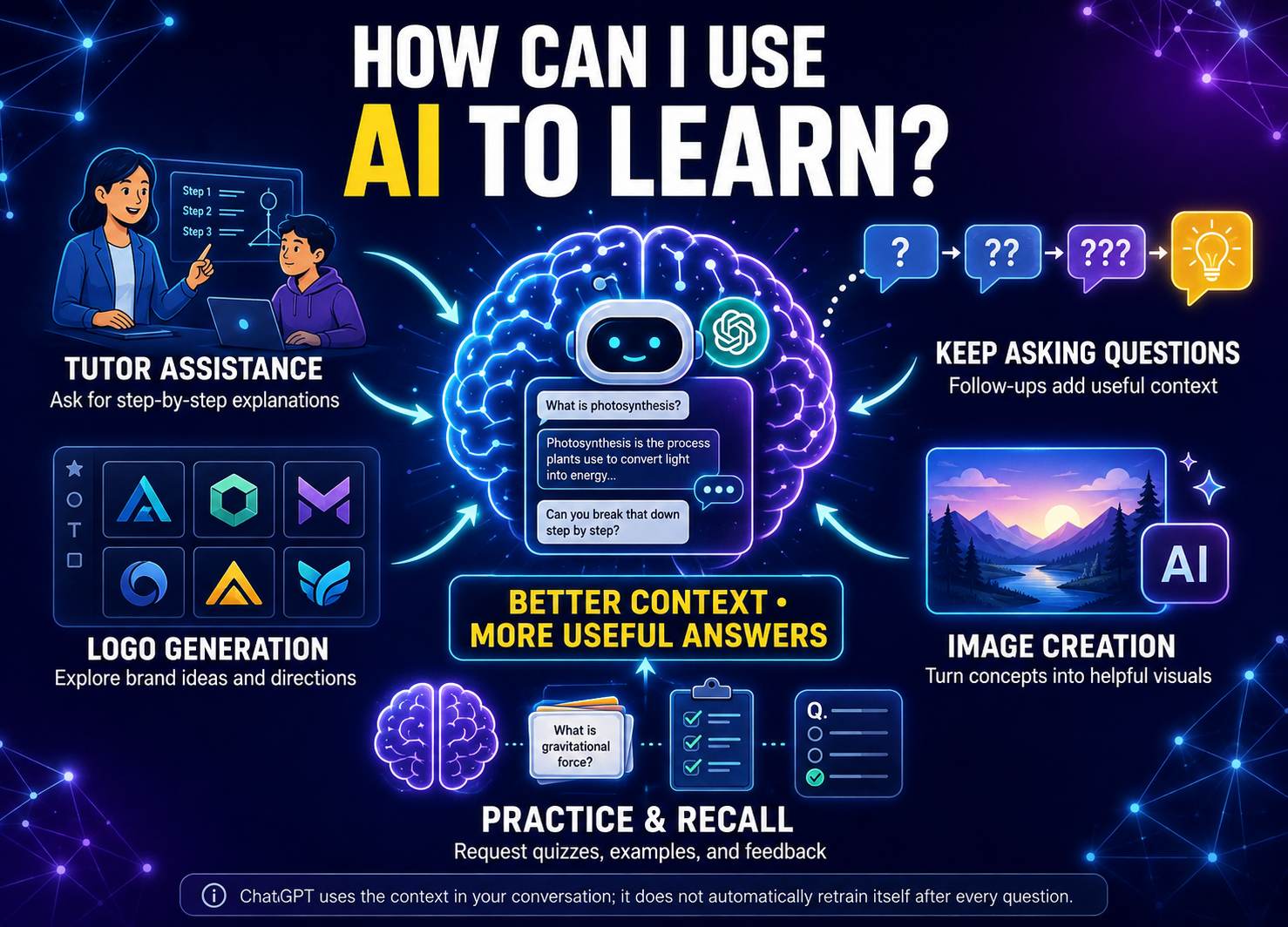
How Can I Use AI to learn?
Just from having a few deep conversations about business goals and objectives makes taking the next step with my campaign objectives easier!
Understanding that the program is designed to be an available assistant with whatever project you’re handling makes developing it so effortless.
It makes focusing the priority and I feel more productive as a result.
It grows with as much information you give it. So getting as detailed as possible with the specifics of your situation much more unique.
It’s why I’m also asking it as many questions as possible so it gets an idea as to the way I think and approach my tasks.
It adapts and entertains the discussion with even more thought provoking questions that may progress the project even further.
What can i do with ChatGPT?
We can start off with one of the basic capabilities on ChatGPT with translation.
We surprisingly haven’t had the ability to instantly transform one language and convert it suddenly to another.
What’s something that you wasn’t able to do with your smart device until ChatGPT was available?
I would start with making such professional quality marketing materials.
From images to even logos. That made earning a presence on the internet much easier.
Bonus Information
How ChatGPT can act as a tutor
There’s command requests that you can make in the app to where it will specifically create a training course tailored to what you’re trying to learn specifically!
There’s an infinite amount of approaches you can take with ChatGPT in making it be study partner or business advisor.
You’re not just getting a boss that randomly tells you to do something and you’re expected to blindly act.
The tutoring aspect is presented when you’re given a detailed breakdown on why the action is.
You can get articles and videos to support what’s being advised from the chatbot.